
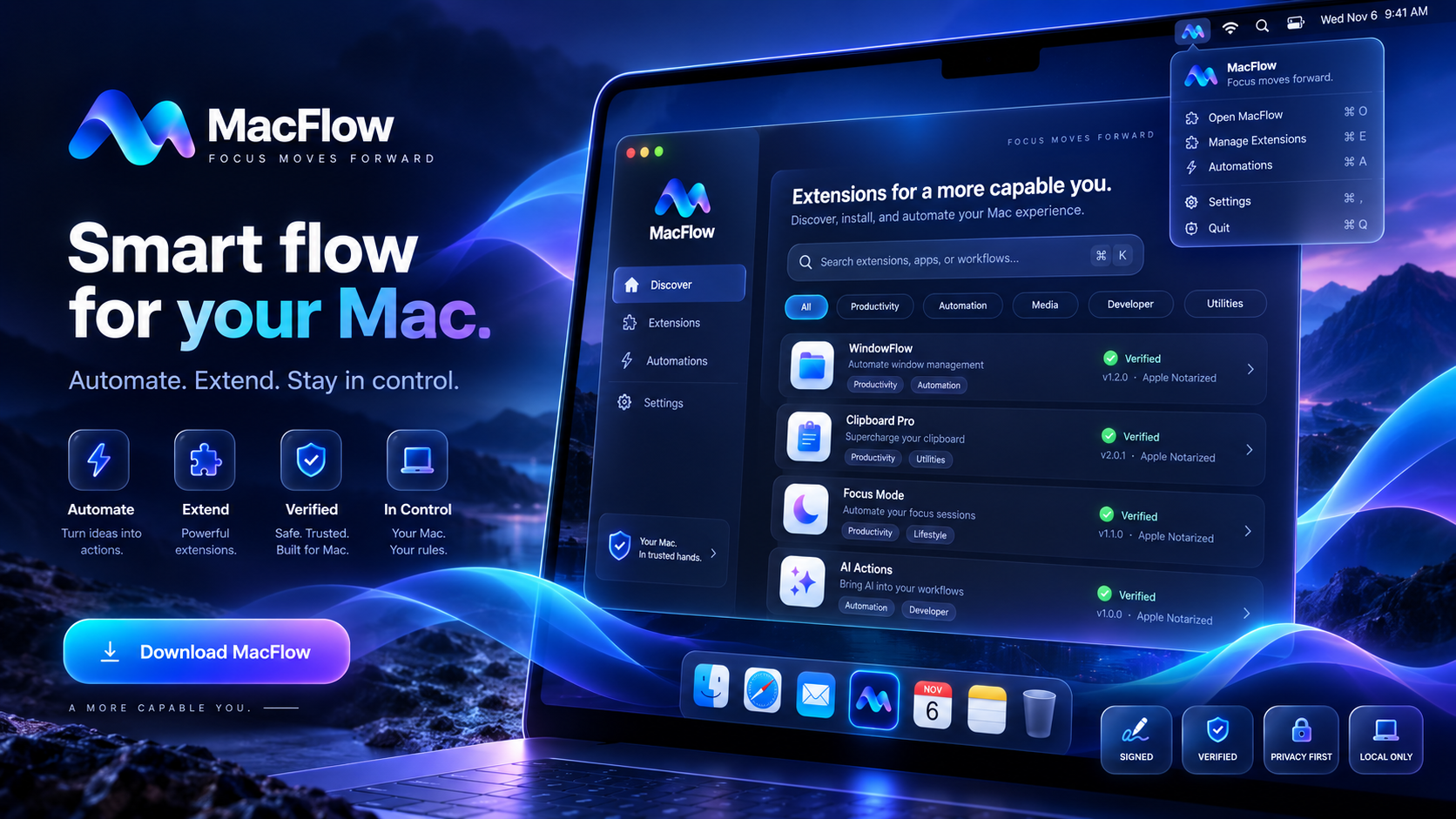
Find apps, clipboard items, files and commands from one focused surface.

Public Beta · Apple Silicon
Focus moves forward.
Your Mac, in flow.
MacFlow brings search, clipboard history, files, workflows, window tools, Calendar and Contacts integrations, AI helpers and verified extensions into one fast macOS command center.
0.9.8 build 39 · macOS 14+ · Apple Silicon (arm64) · Apple notarized
Apple notarizedVerified by Apple before distribution
Local-firstCore daily-driver data stays on your Mac
Explicit accessPermissions are requested only when needed
Verified updatesSize and SHA-256 checked before staging
Search · Automate · Accomplish
A capable command center that stays out of your way.
Designed for keyboard-first daily use, with explicit permissions and bounded actions instead of background surprises.
Recent history, favorites, pins and controlled persistence for faster repeat work.
Search only the folders and volumes you choose, with clear refresh and location controls.
Run bounded productivity actions and reusable layouts without interpolating arbitrary shell commands.
Optional, permission-gated read-only integrations for quick lookup and bounded detail copying.
Optional provider and local-model paths with explicit actions and no required cloud account for core MacFlow use.
Trust by design
Local-first by default.
MacFlow is designed so its core daily-driver data stays on your Mac. Network features are explicit, integrations are permission-gated, update downloads are SHA-256 verified, and this public beta is Apple-notarized and Developer ID signed.

Install in minutes
Three simple steps.
No account is required for core MacFlow use. Download the Apple-notarized DMG and keep control of the permissions you enable.
Download the DMG
Use the primary download above. The file is Developer ID signed and Apple notarized.
Move MacFlow to Applications
Open the disk image and place MacFlow in your Applications folder.
Open and choose access
Enable only the macOS permissions and integrations you actually want to use.
Verify the current releaseApple Silicon · macOS 14 or later
Public Beta
Current release, verifiable from the source.
Release binaries are immutable. The channel metadata is served from the same WAHA PRO domain so MacFlow can verify the exact file size and SHA-256 digest before staging an update.
Version0.9.8 (build 39)
ArchitectureApple Silicon (arm64)
RequiresmacOS 14 or later
SecurityApple notarized · Developer ID · Hardened Runtime
ChannelPublic Beta
Verified update feed
https://wahapro.com/macflow/updates/public-beta.json
MacFlow checks for updates only when you explicitly request it. Downloads are verified against the published size and SHA-256 digest before staging.
DMG
Loading…Recommended installer
SHA-256
Loading release metadata…
ZIP
Loading…Verified update artifact
SHA-256
Loading release metadata…
Public beta notes
Production-signed, still improving.
This build is intended for early public use. Apple Silicon is the first supported architecture; Intel is deferred. Core MacFlow use remains local-first, and update checks remain explicit rather than background-driven.
✓ Apple notarized✓ Developer ID signed✓ Real owner-Mac acceptance completed✓ Calendar & Contacts manual acceptance 8/8✓ Visual QA 5/5• Apple Silicon first; Intel deferred

Ready when you are
Download MacFlow
Put your Mac in flow.
Download the Apple-notarized public beta from WAHA PRO.